
Everything you need for a readable PDF
From layout analysis to OCR and iPad editing — one workflow.
Translate every kind of document
Academic papers, books, comics, and slide decks — each with a dedicated demo document.
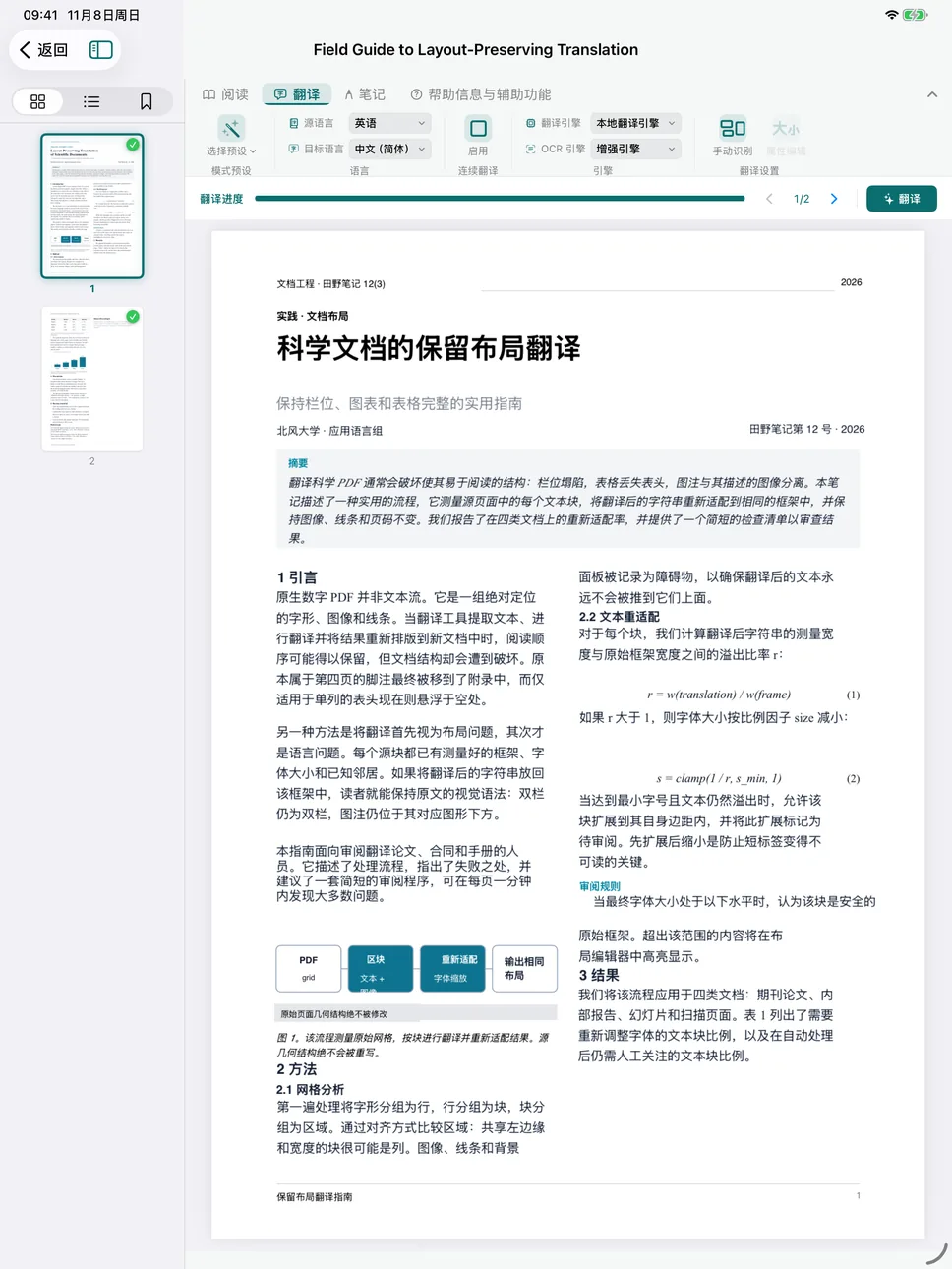
Academic papers
Two-column papers with abstracts, formulas, and references keep their exact grid.
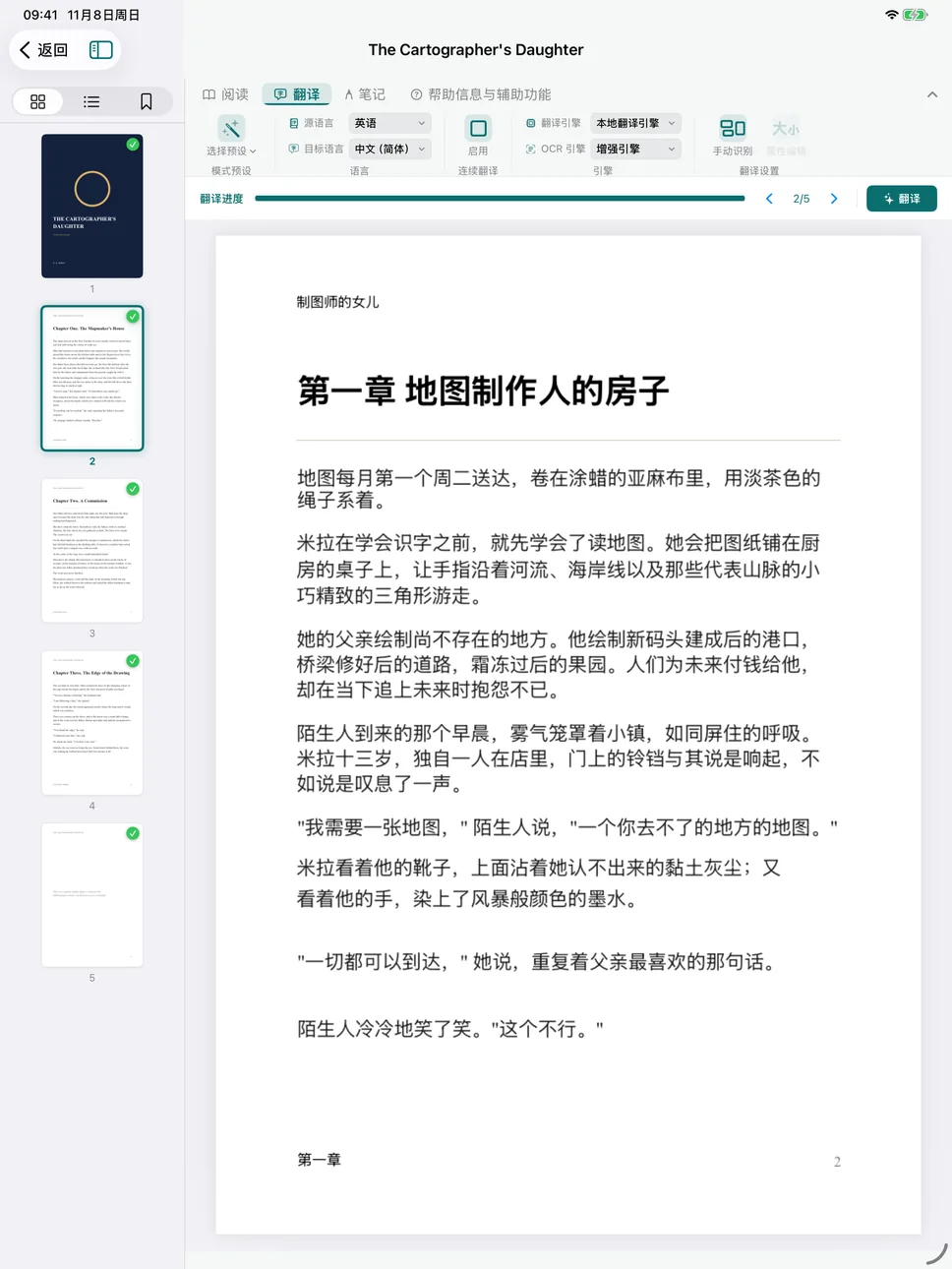
Books
Long-form chapters keep typography, headings, and page rhythm.
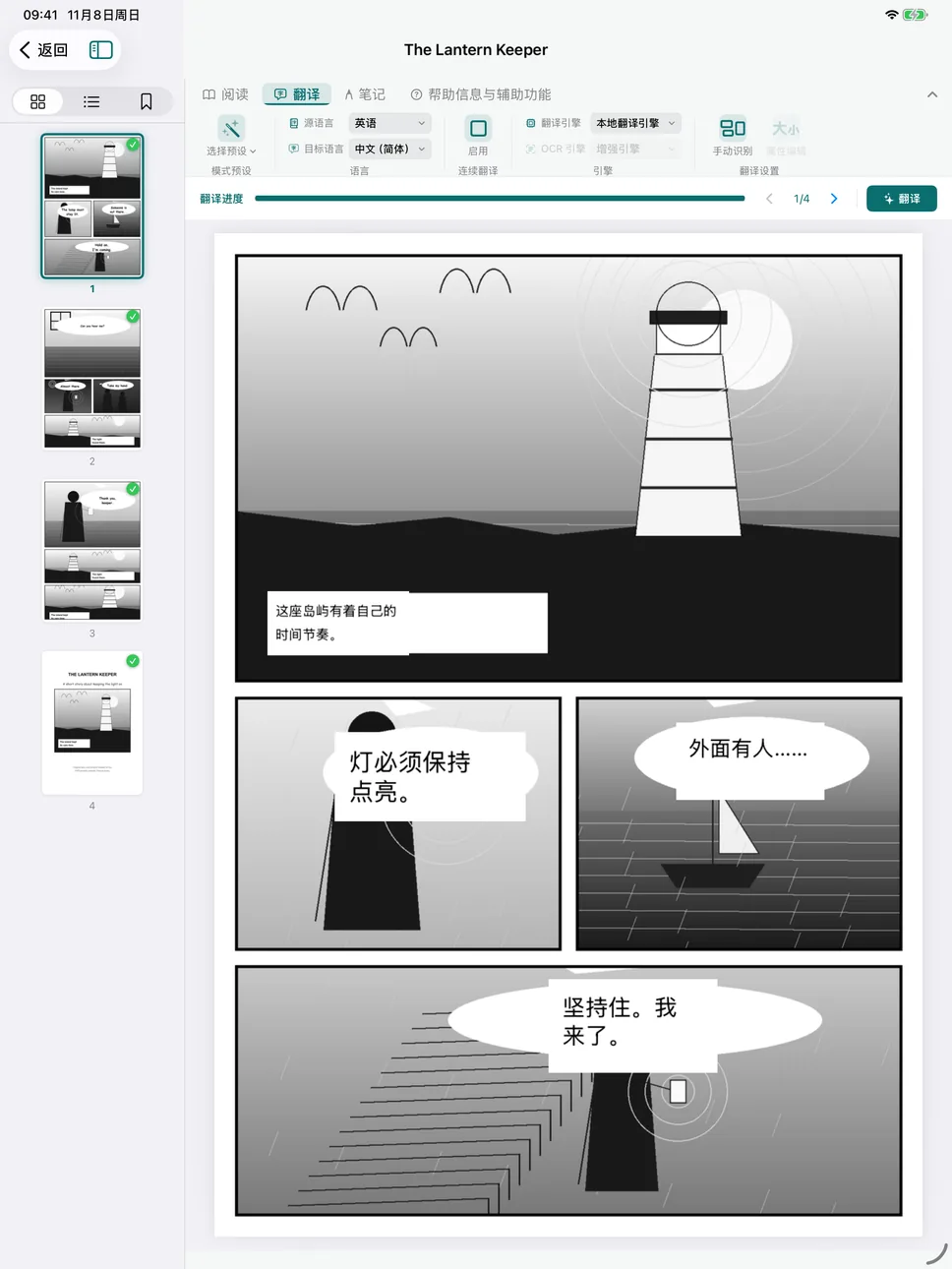
Comics
Speech bubbles are detected by OCR and translated in place.
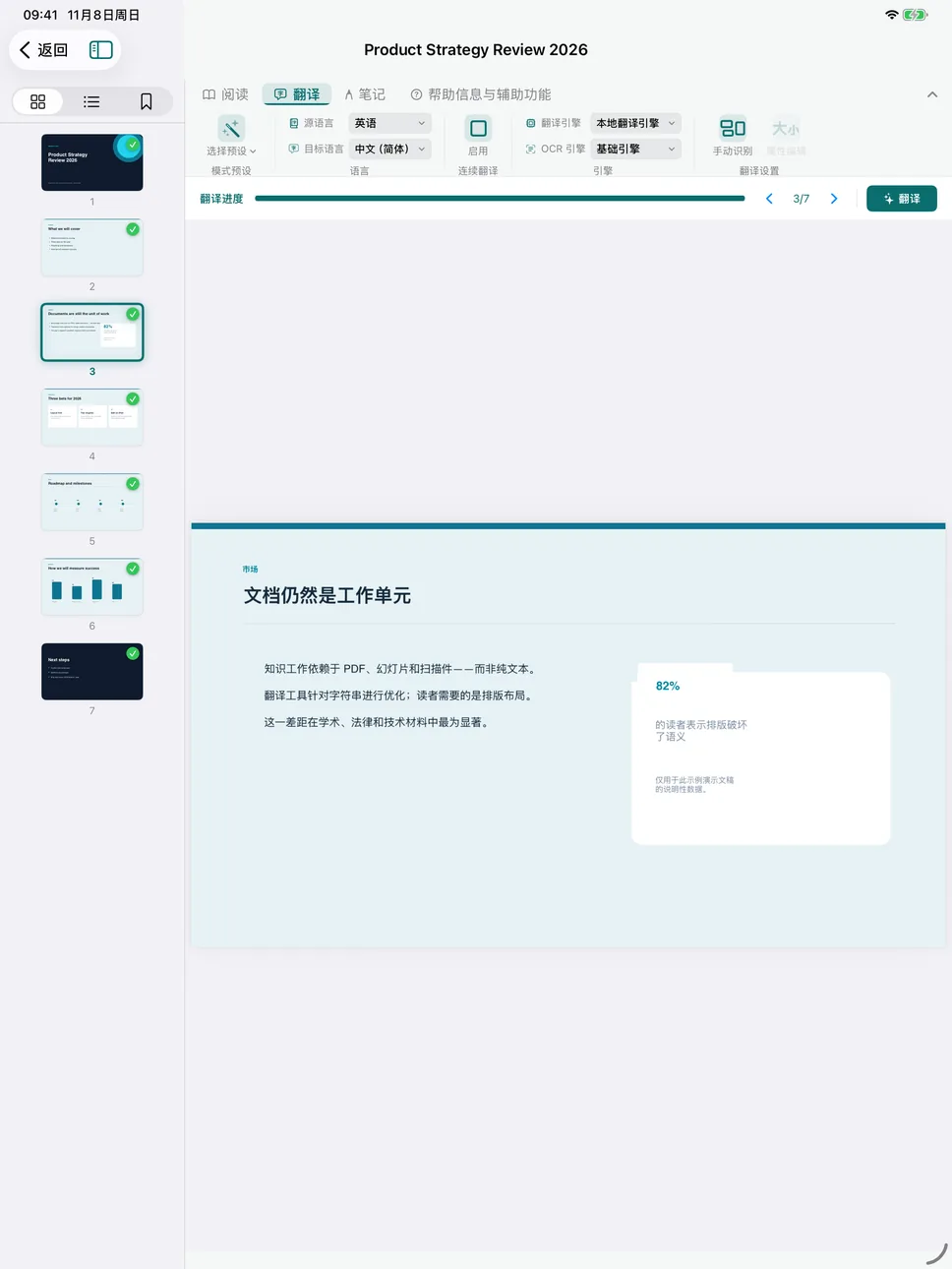
Presentations
Slides keep their titles, bullets, and card layouts.
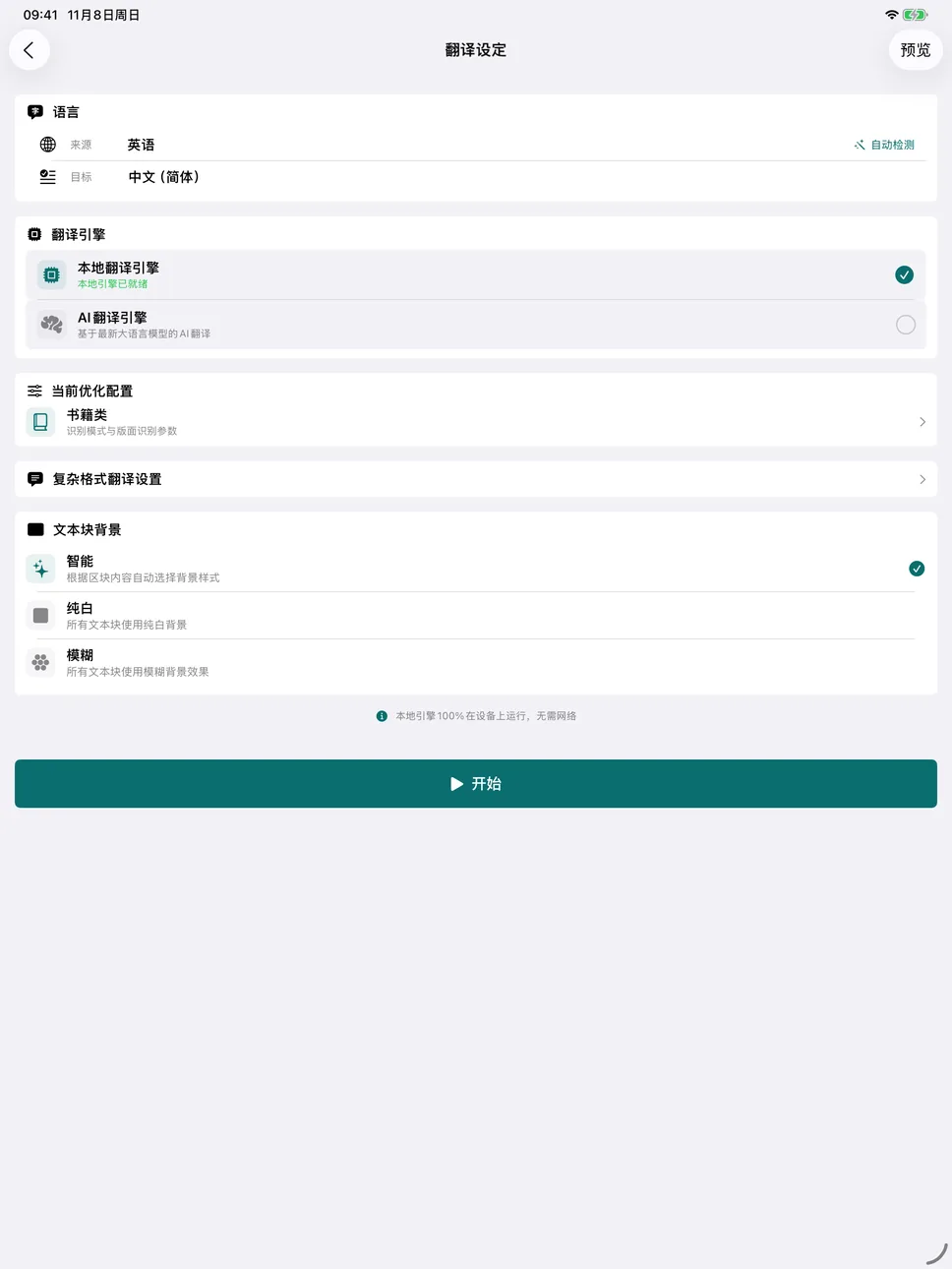
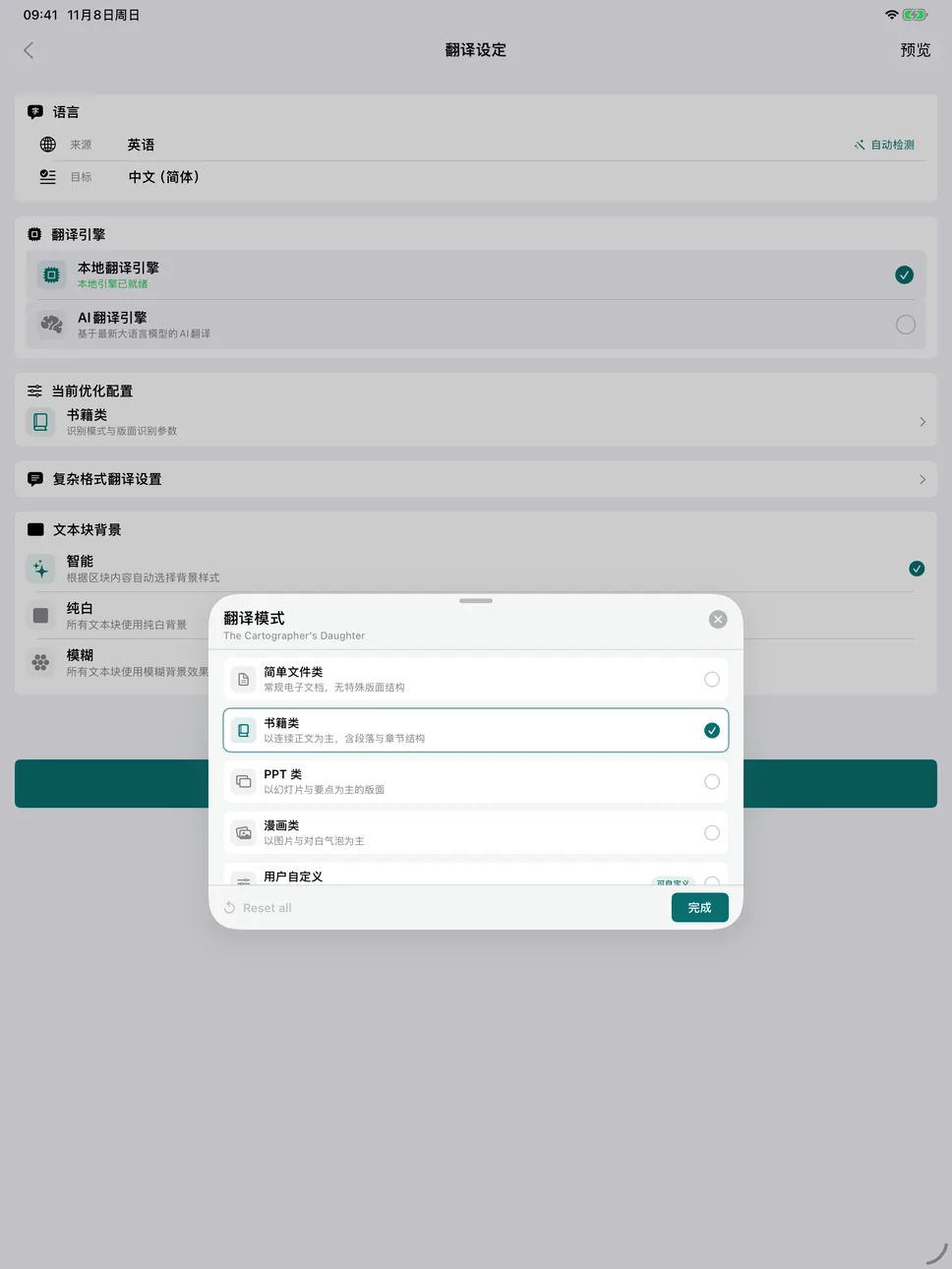
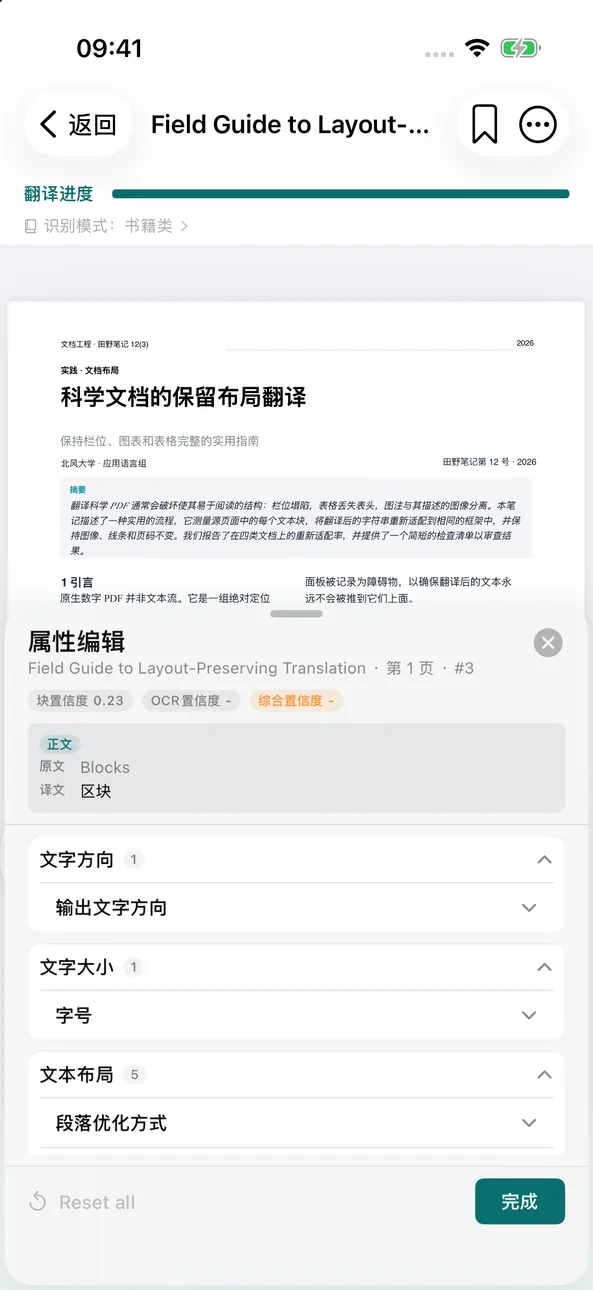
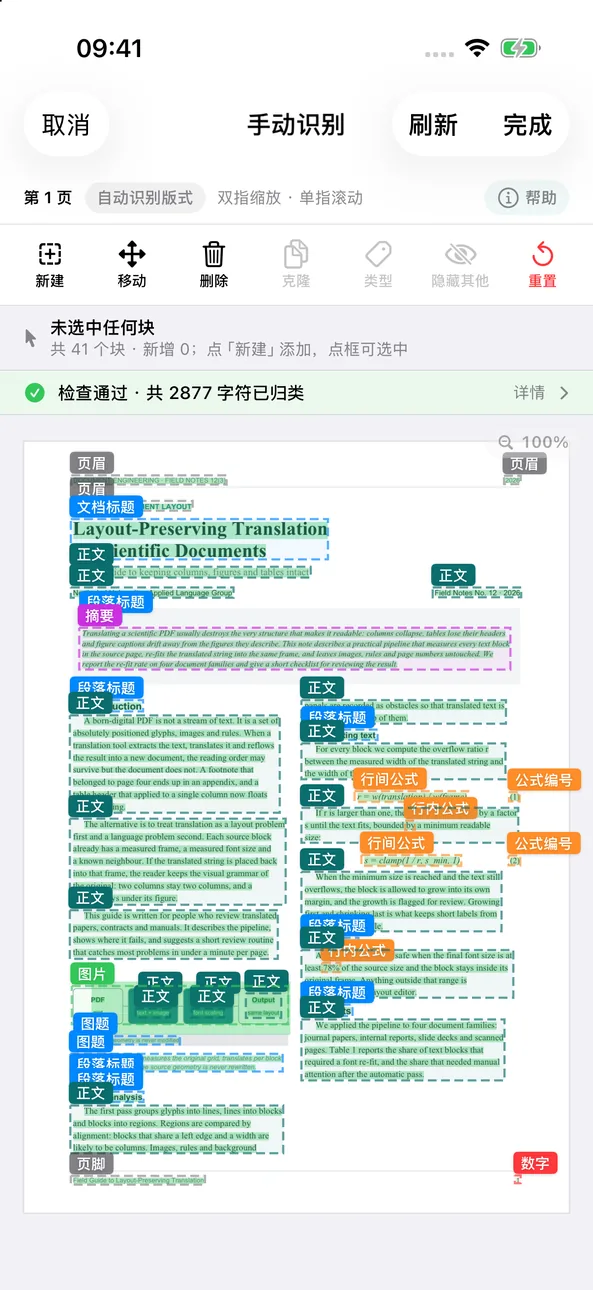
A complete translation workbench
Fine-tune languages, layout analysis, and text blocks without leaving the document.
Every tool, one ribbon
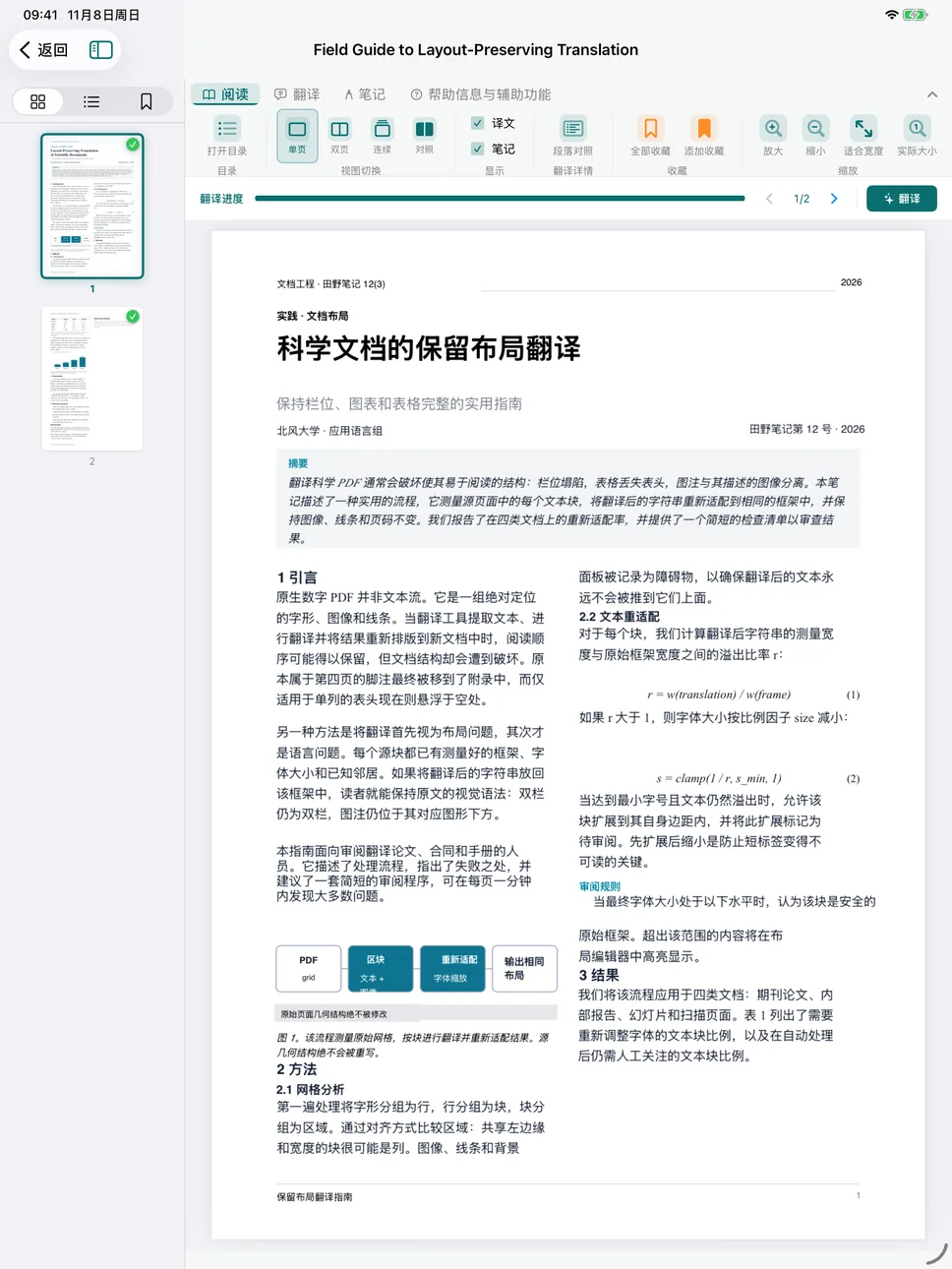
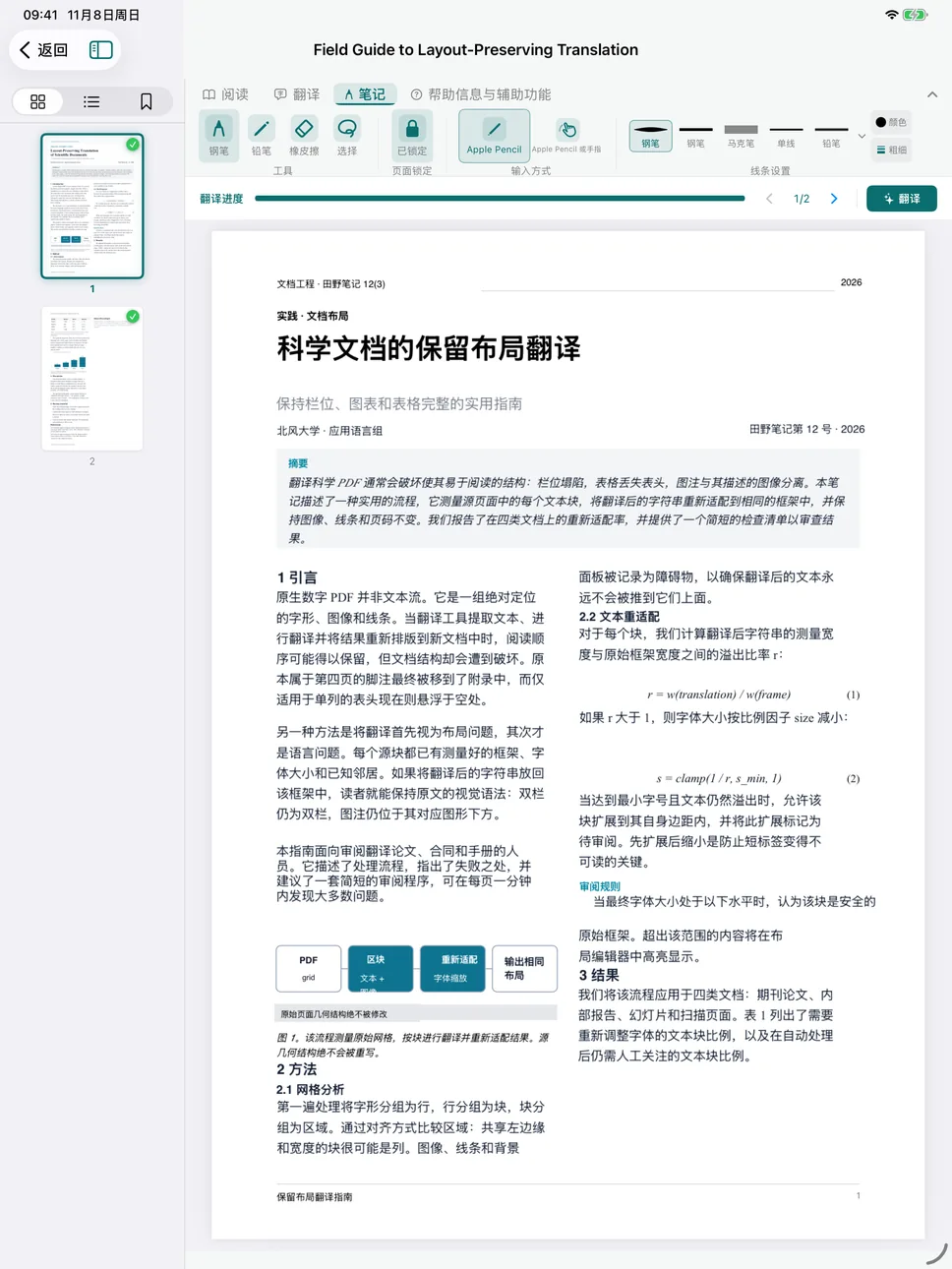
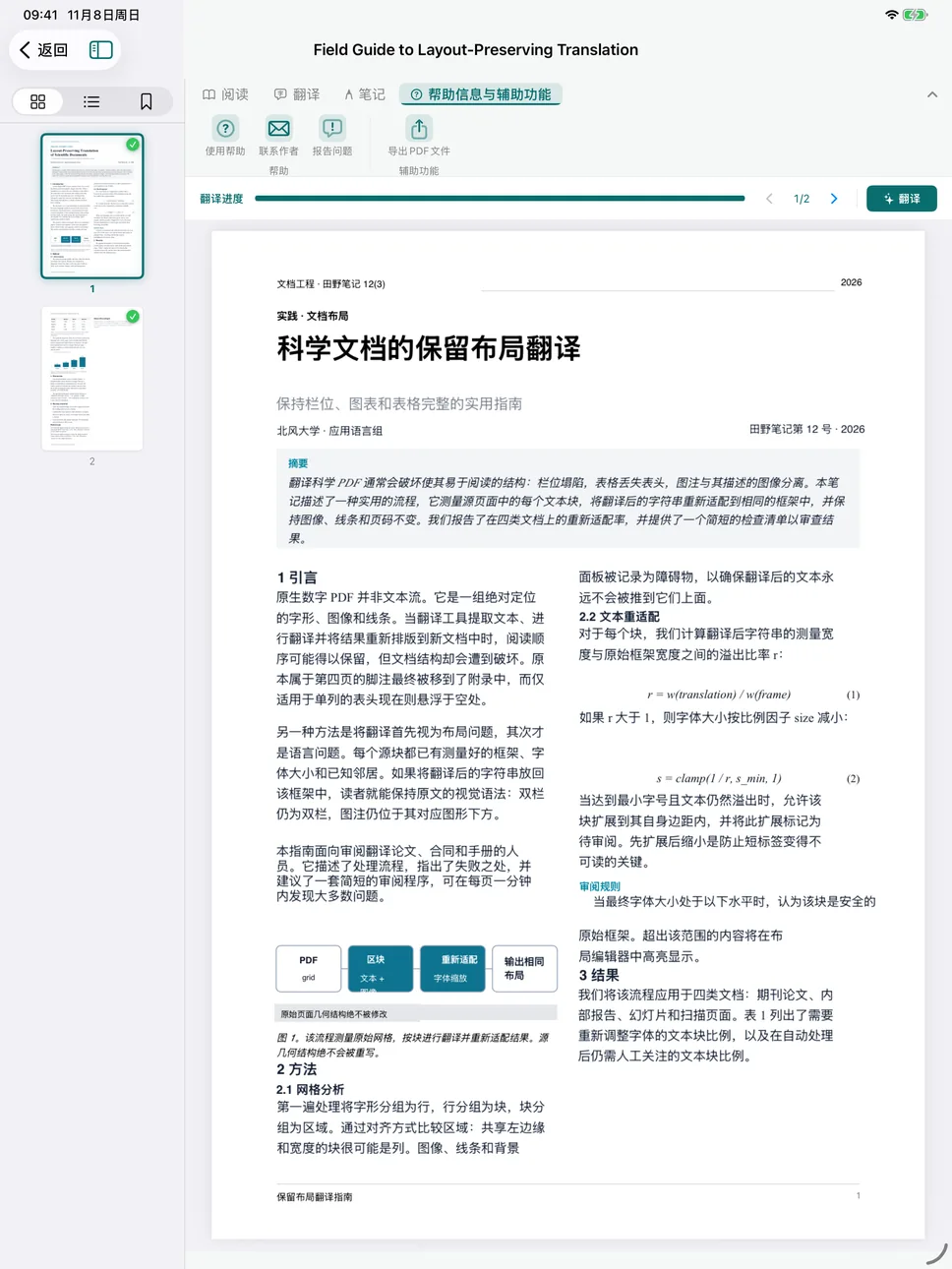
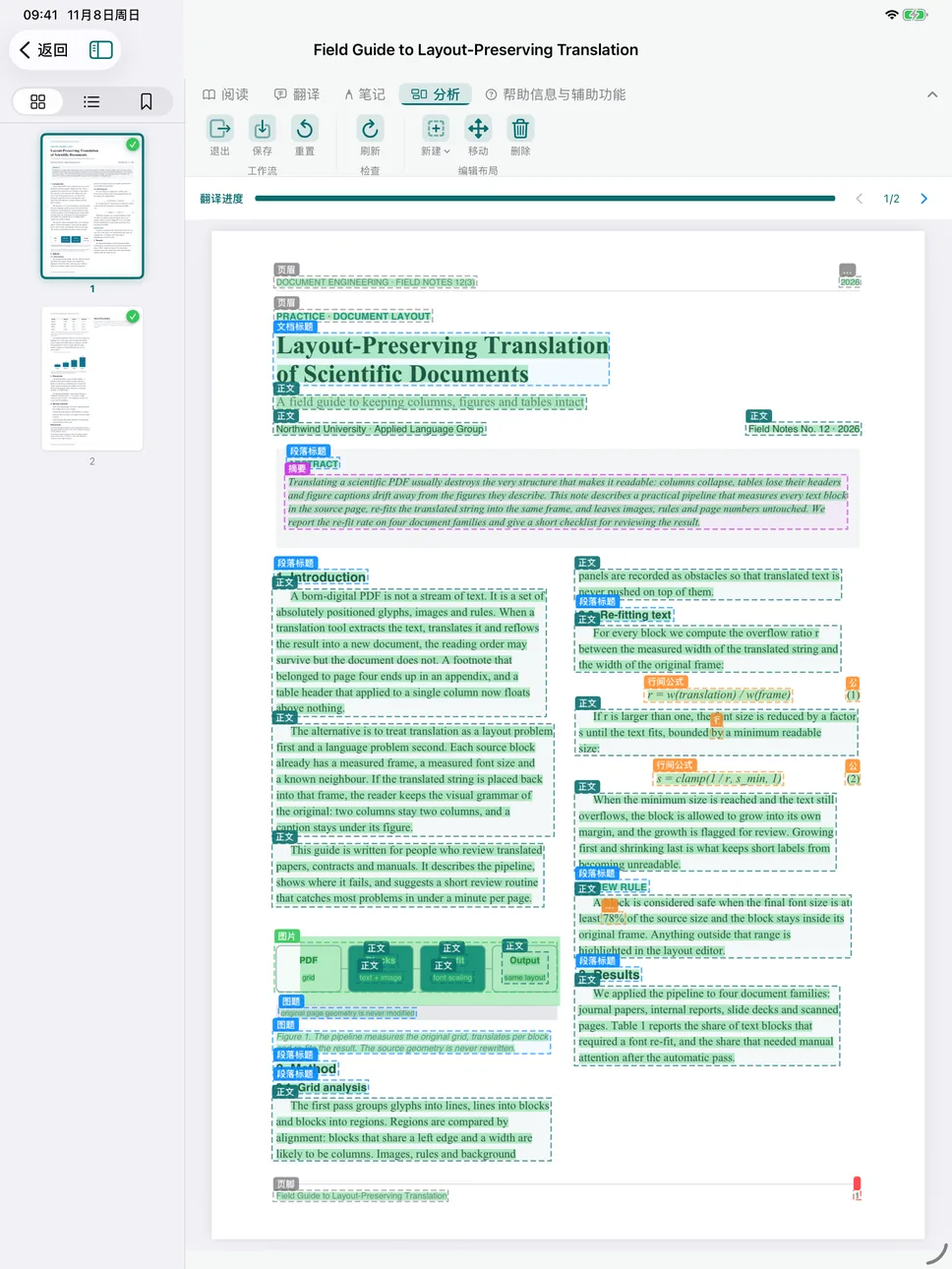
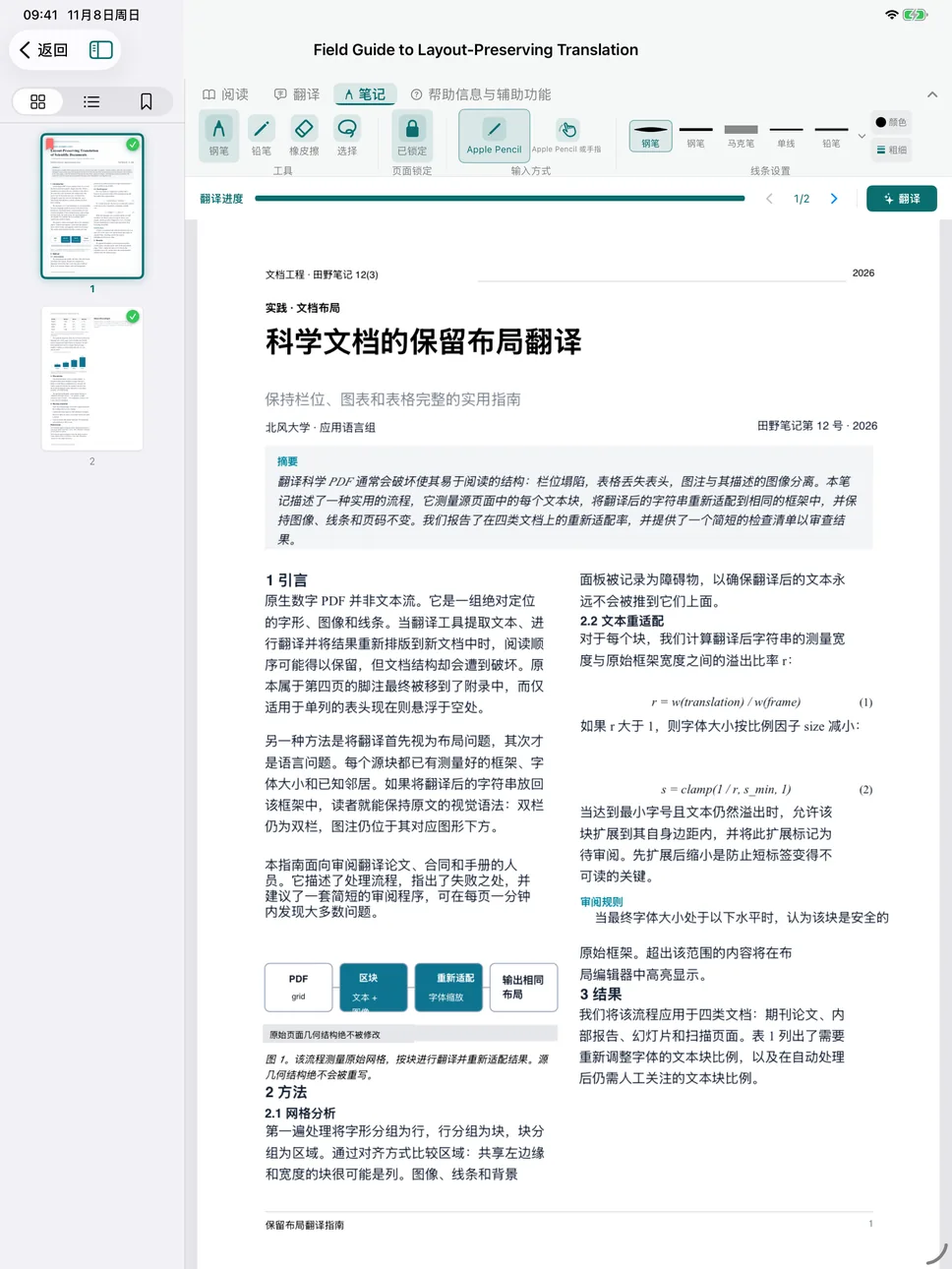
Reading, translation, notes, analysis, and help — each with its own tab on iPad.
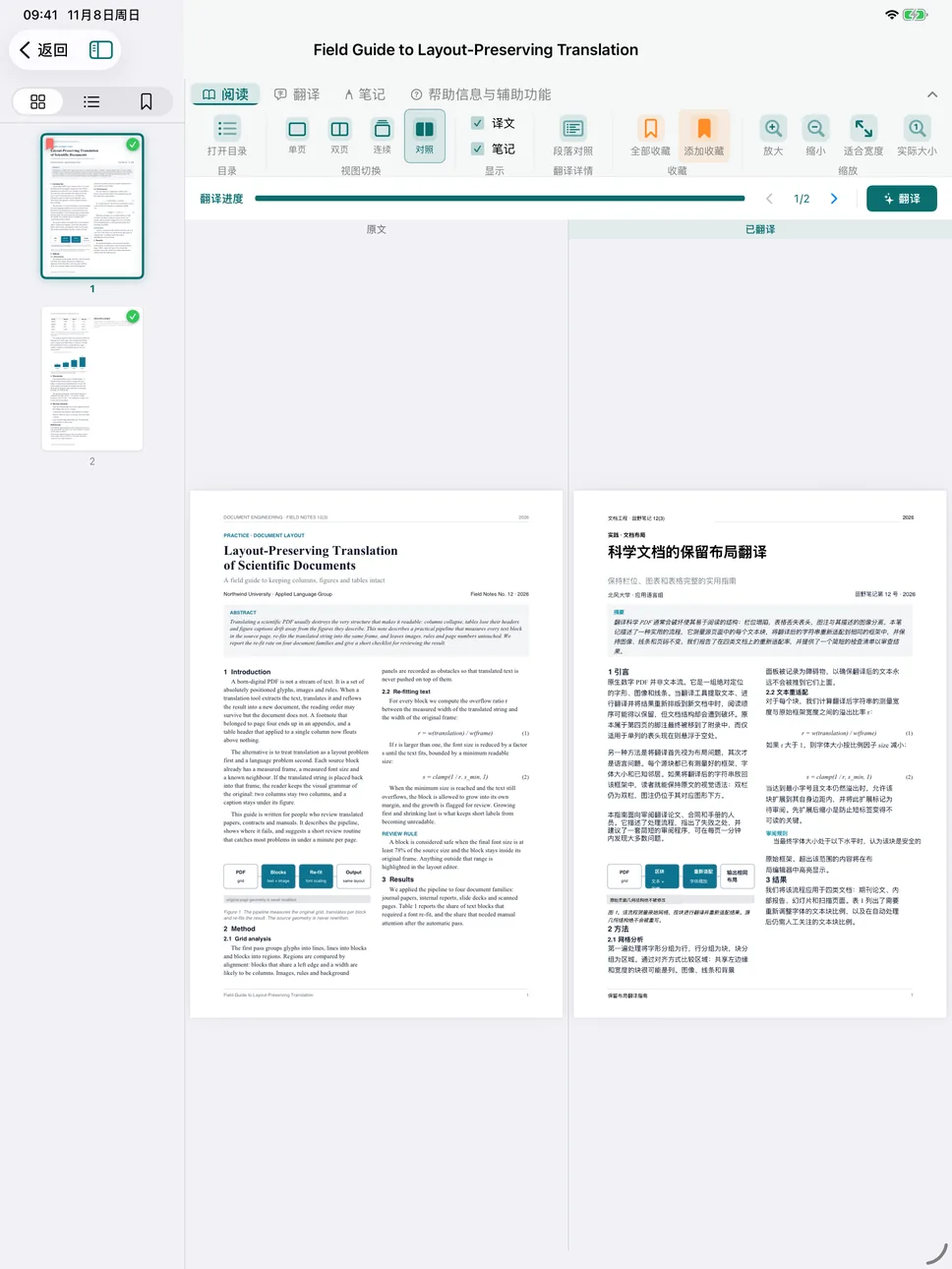
Four views for reading and reviewing
Single page, comparison, notes and layout analysis — switch to whichever the task needs.
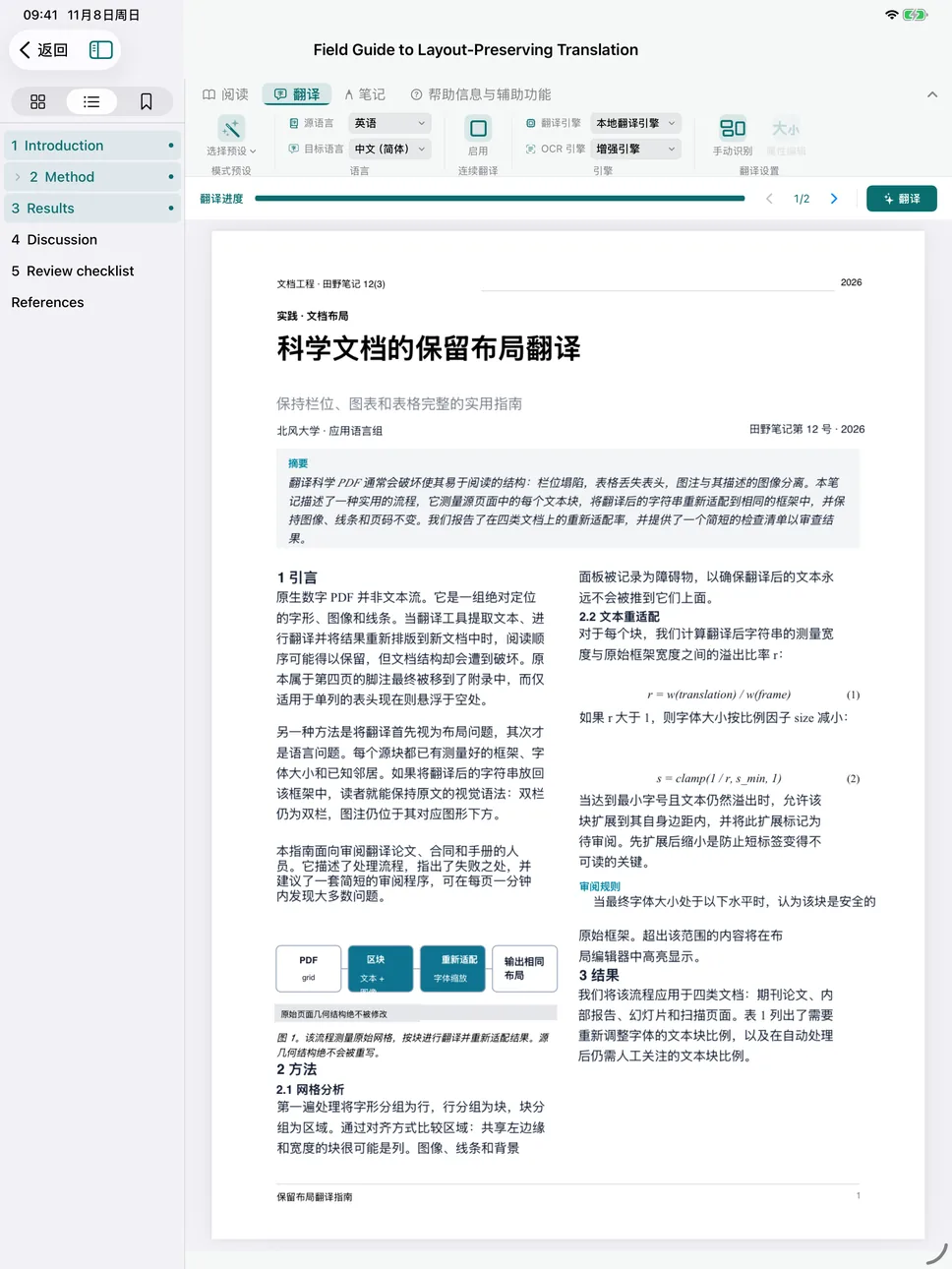
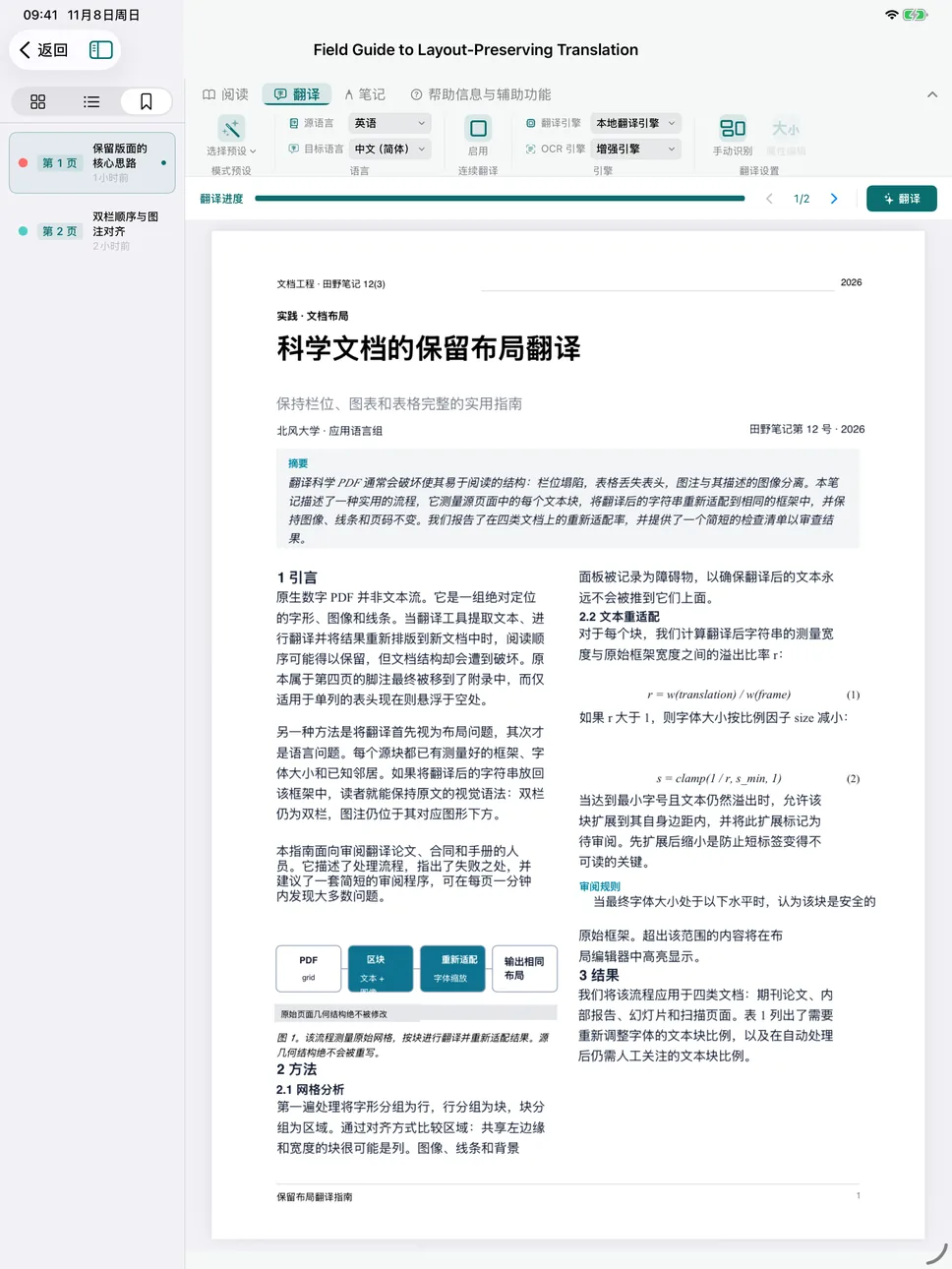
Contents, bookmarks and quick notes
Jump around long documents, flag the pages that matter, and add a quick note from your iPhone.
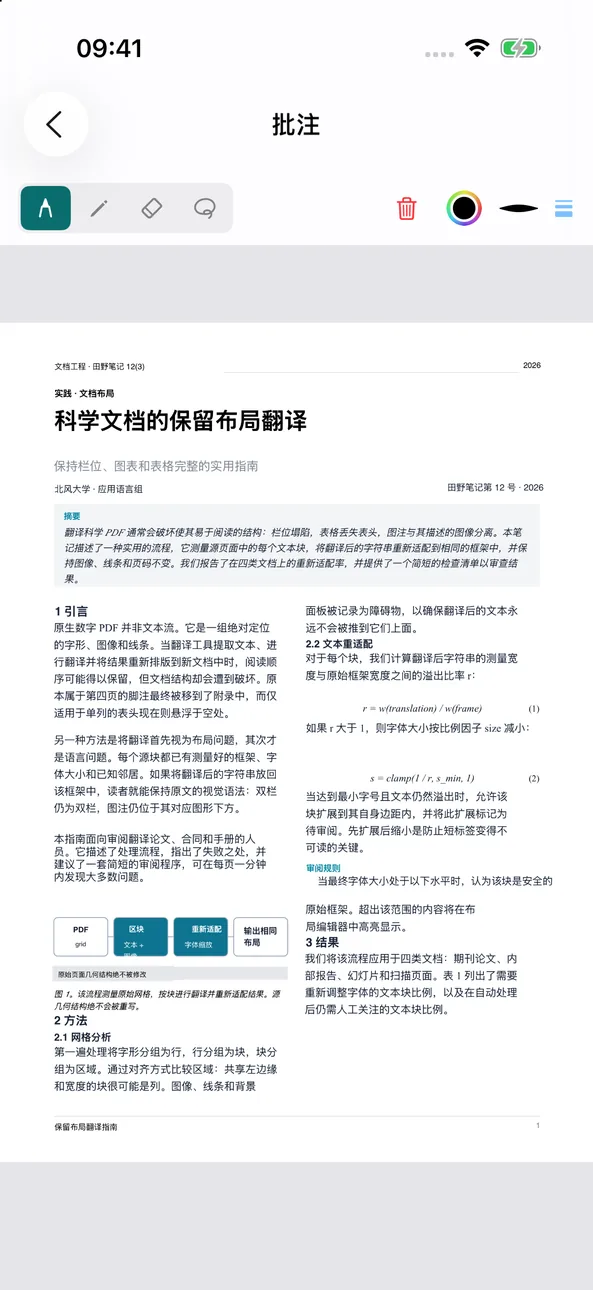
Localized in 20 languages
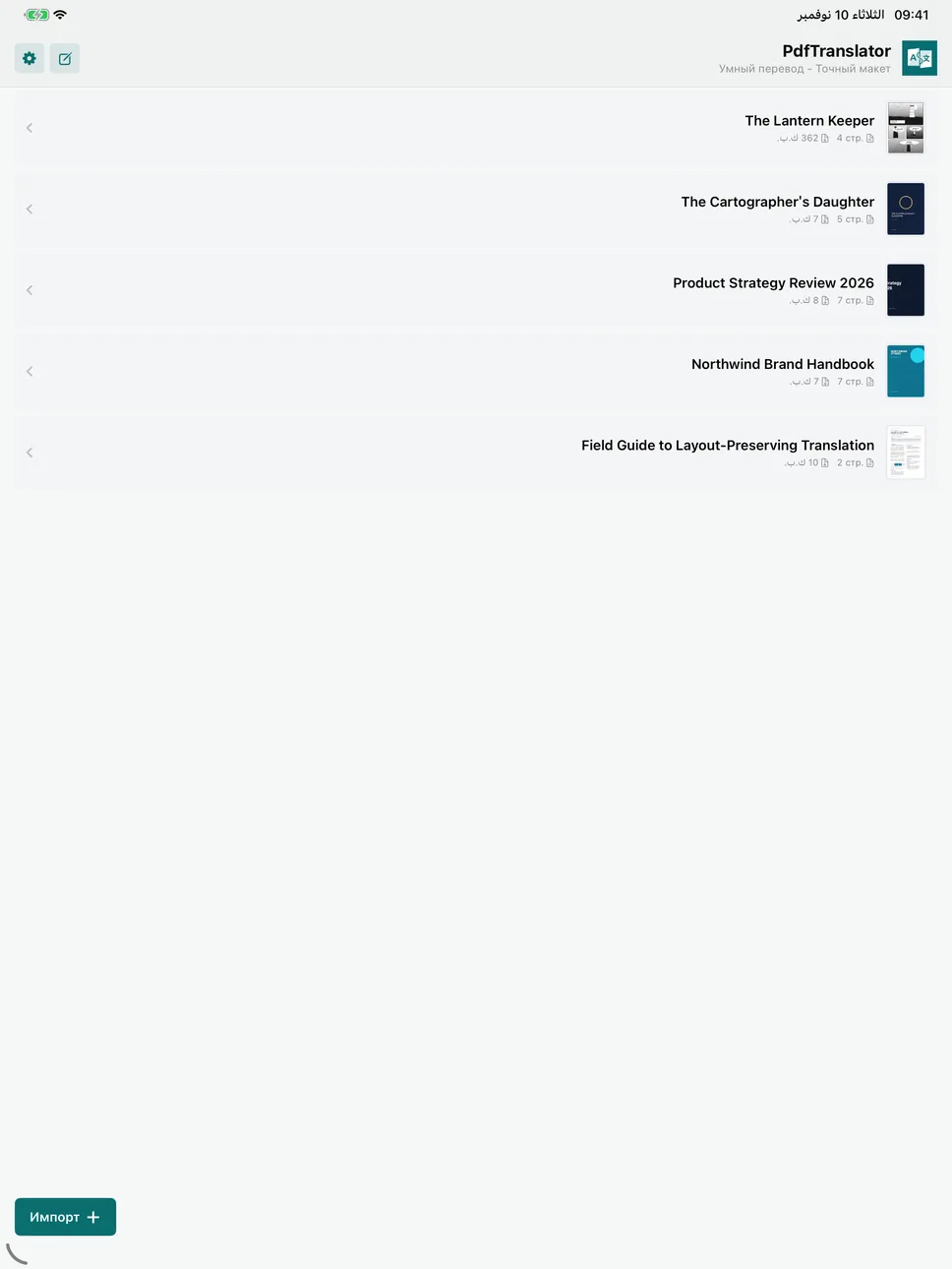
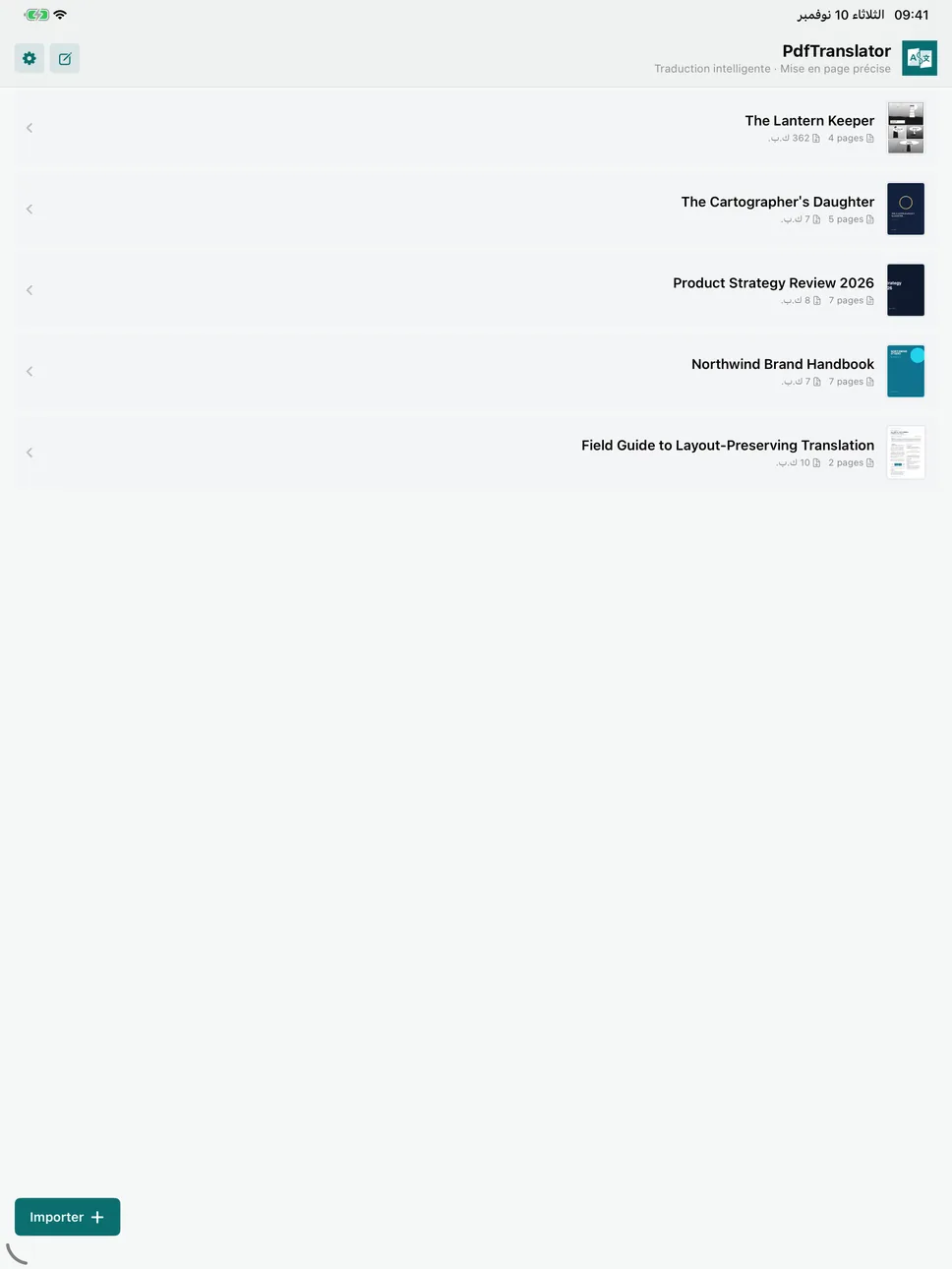
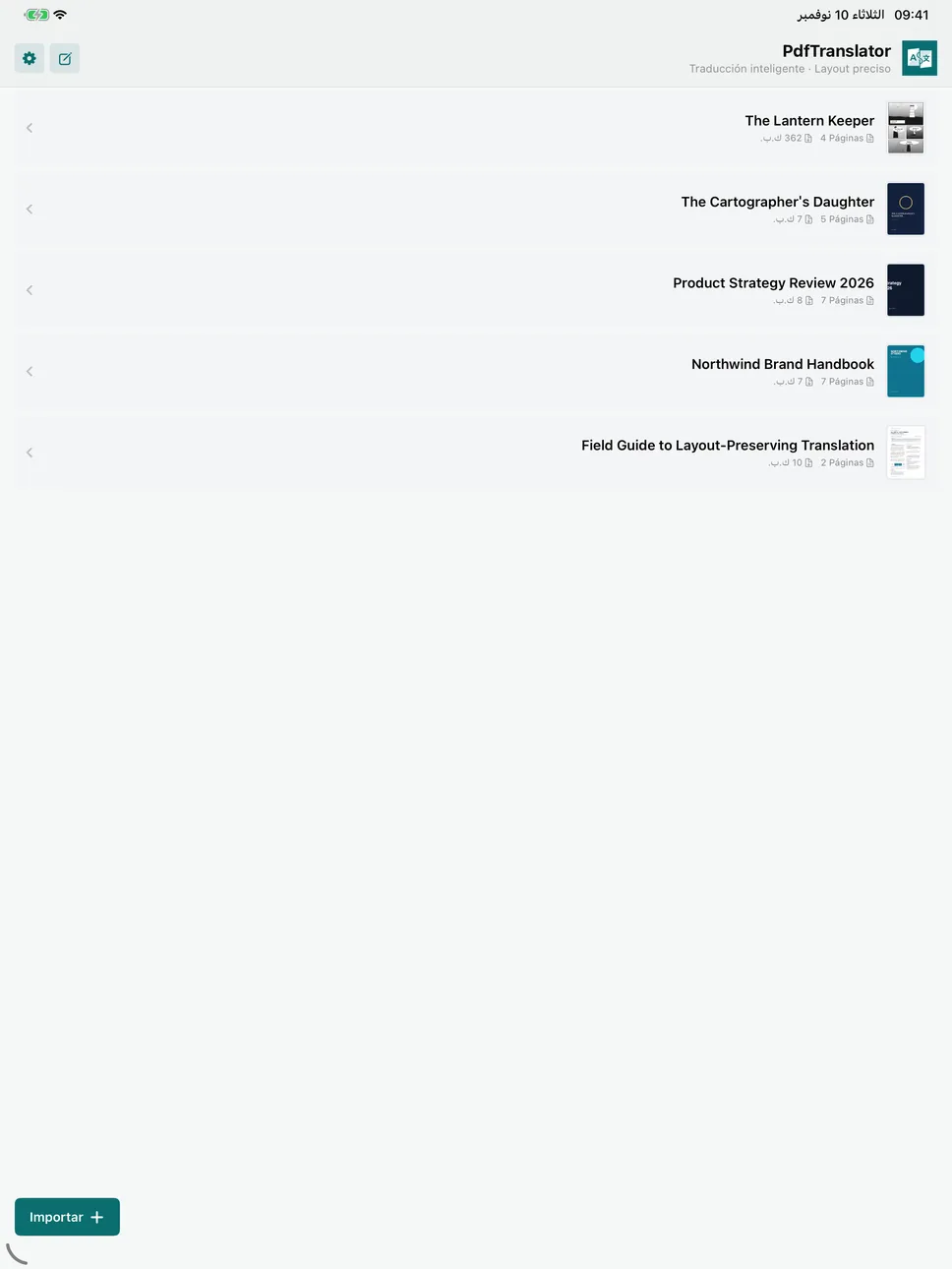
The app interface follows your language. Screenshots below show six of them.
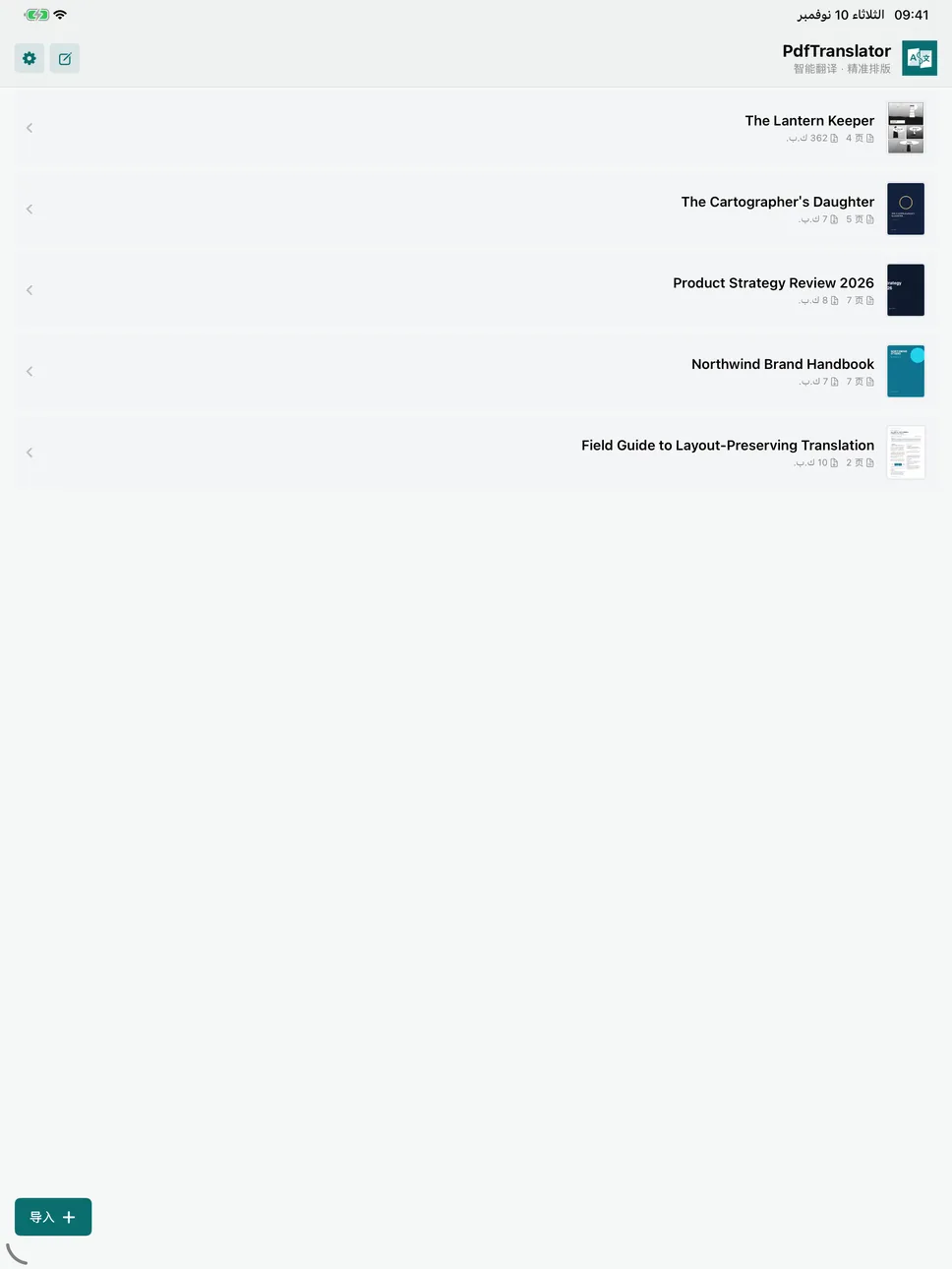
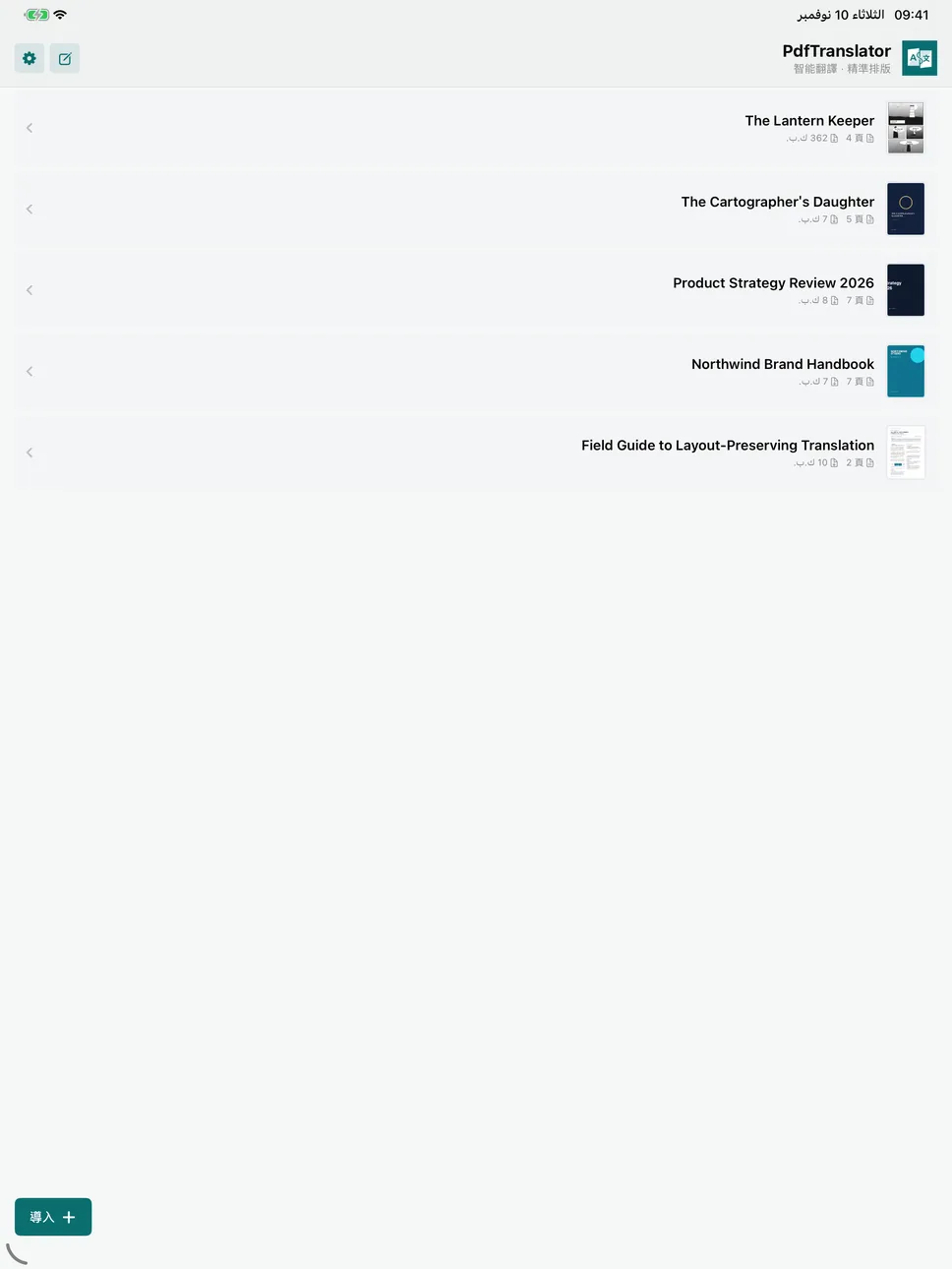
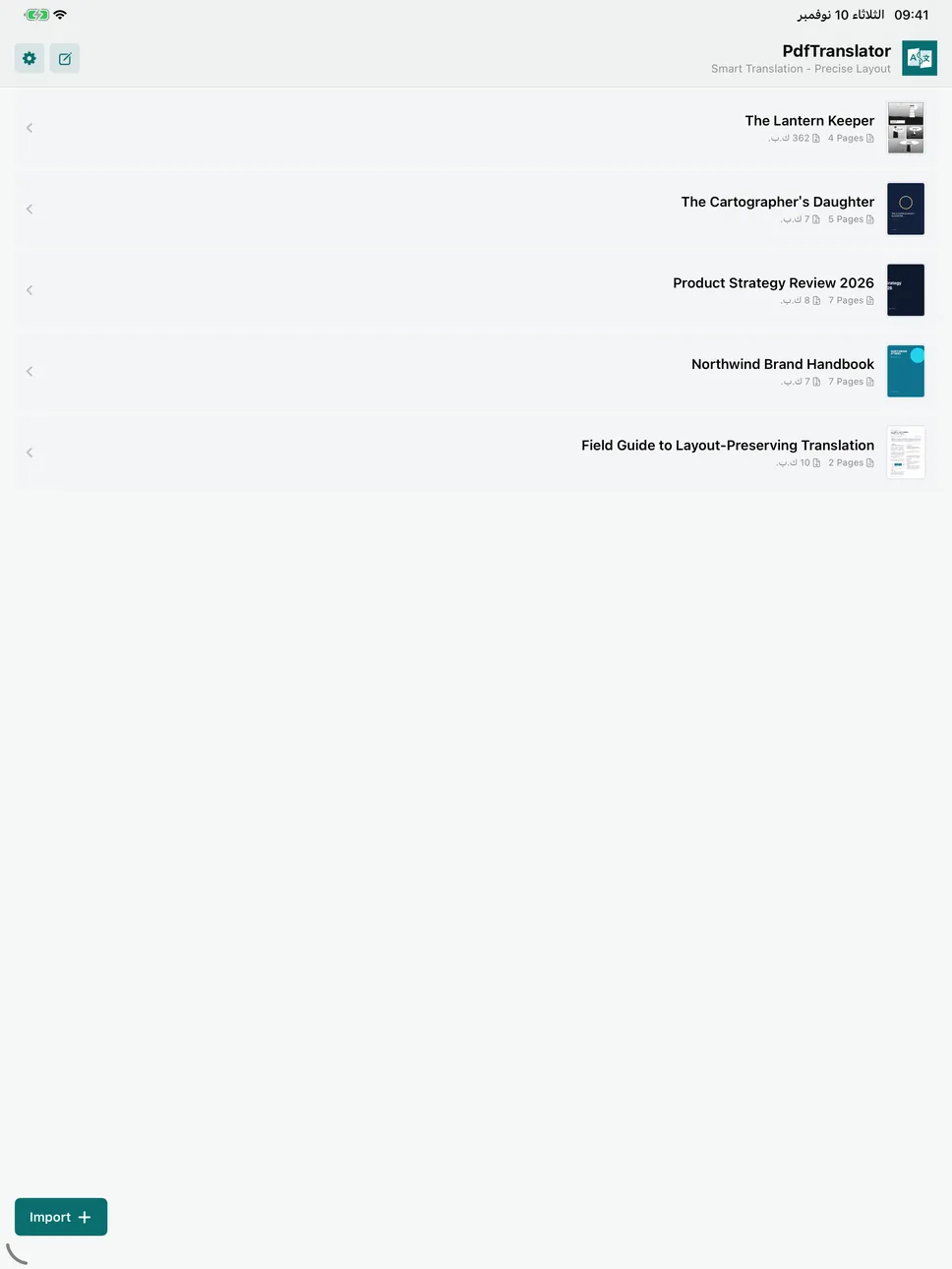
What changes, what stays
A quick comparison with generic PDF translators.
| PdfTranslator | Generic translators | |
|---|---|---|
| Original layout | Preserved by design | Often reflowed |
| Scanned PDFs | Built-in OCR | Extra tools needed |
| Export & sharing | Export translated PDF | Online reading only |
| iPad layout editing | Manual tools | Not available |
| Comics & image pages | Layout-aware | Poor results |
FAQ
How do I translate a PDF?
What languages are supported?
Is my document data safe?
What's the difference between Apple and AI translation engines?
The local engine says the language pack is not ready
OCR quality is poor on my scan
Download Now
Translate, review, and export your PDF in one place.
Download on App Storev1.4.0 · iPhone and iPad