
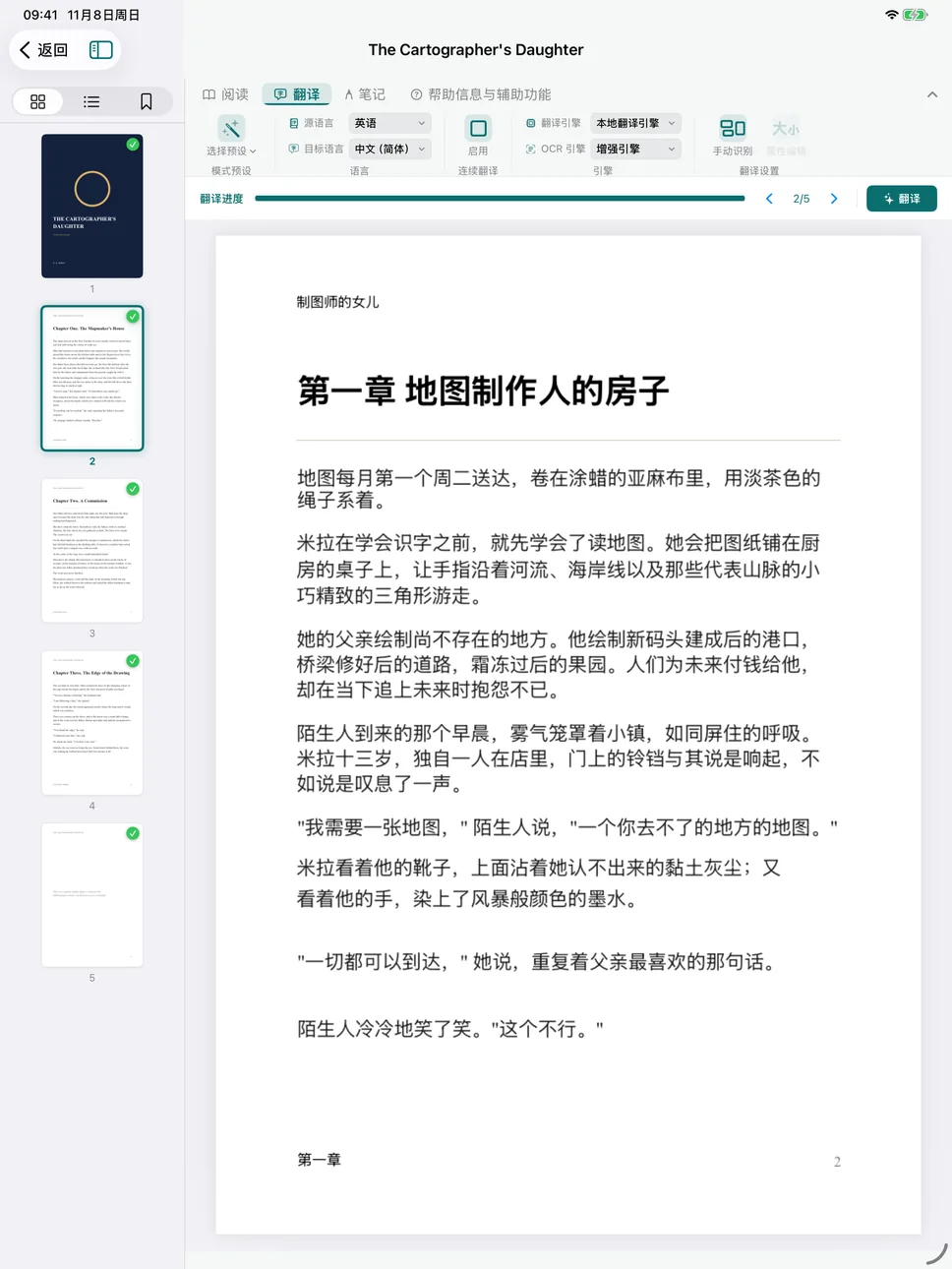
Contracts, patents, and legal correspondence reward careful reading. Follow these practices to get an accurate draft and a fast review.
1. Choose the engine that fits the clause
For dense legal wording, the AI engine produces more consistent terminology. For a quick read of a short document, the local engine is faster. You can switch per document at any time.
2. Translate in a draft, verify in the original
Treat the translation as a fast draft rather than the final word. Use the Original / Translation toggle to check clauses, amounts, dates, and parties against the source.
3. Be extra careful with numbers
Money amounts, dates, and percentages are where translation of legal texts commonly trips up. The layout-preserving translation keeps them in place, but always verify them against the original.
4. Keep formatting for redlines and reviews
By preserving the original layout, PdfTranslator keeps clause numbers, section headings, and table structures aligned. This makes it much easier to cite a specific clause or compare versions.
5. Set the source language explicitly
Legal language has formal register. Setting the correct source language helps the engine preserve the formal tone instead of producing casual phrasing.
6. Do not rely on any single pass for important documents
For contracts you must rely on, a professional legal review is irreplaceable. Use PdfTranslator to gain comprehension and save time, then have the final binding version checked by a qualified reviewer.
Keep the export reviewable
Export the translated PDF and keep the original beside it. A clean, layout-preserving export makes it easy for a reviewer to compare clause numbers and signatures side by side.