
Most translation tools treat a PDF as a stream of text. They extract the words, translate them, and pour the result into a new document. The translation may be accurate, but the document is gone: columns collapse, tables lose their headers, and figure captions drift away from the figures they describe.
Layout is part of the meaning
A table cell means something different when it is detached from its column header. A footnote only makes sense at the bottom of the page it annotates. In a two-column paper, reading order is defined by the layout itself.
What PdfTranslator does instead
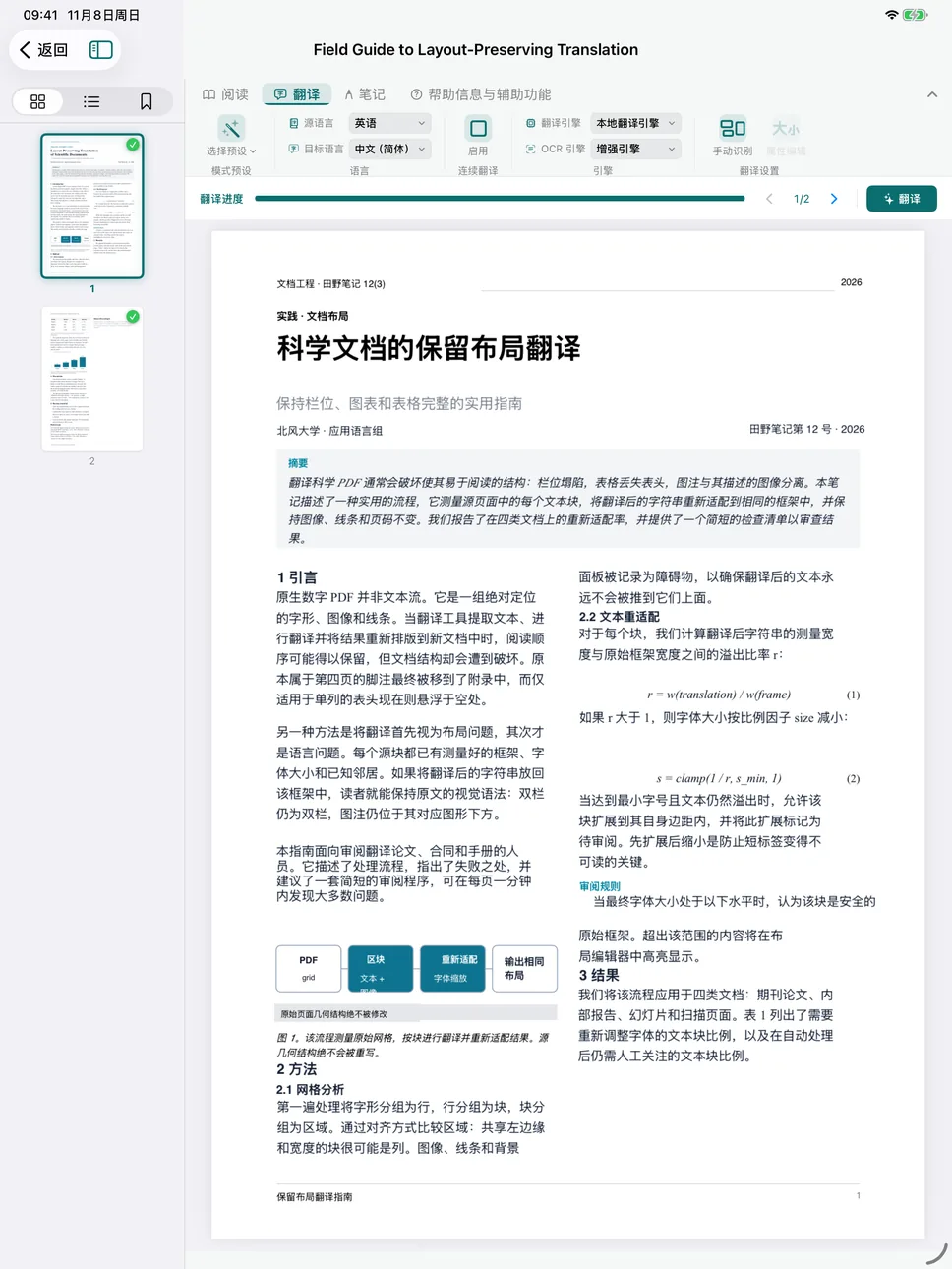
- Analyze the grid. The app detects columns, text blocks, images, tables and captions.
- Measure, don't guess. Each block has a measured frame and font size from the source PDF.
- Re-fit the translation. The translated string is placed back into the same frame; font size adapts to the available space instead of overflowing.
- Keep everything else untouched. Images, rules, page numbers and margins stay where they were.
When the source is a scan
Scanned pages have no text layer, so OCR runs first. A layout-aware OCR step groups characters into lines and blocks before translation, which keeps the reading order intact. For comics and illustrated pages, a dedicated preset filters out line-art noise.
The practical test
Open a translated paper and try to cite a sentence, read a table, or match a caption to its figure. If all three still work, the layout was preserved. That is the standard PdfTranslator is built around.